From Salesforce Admin to Integration Specialist: The Skills Powering Headless 360

The biggest career opportunity in the Salesforce ecosystem right now isn’t a new certification — it’s learning how to connect systems and become an integration specialist.
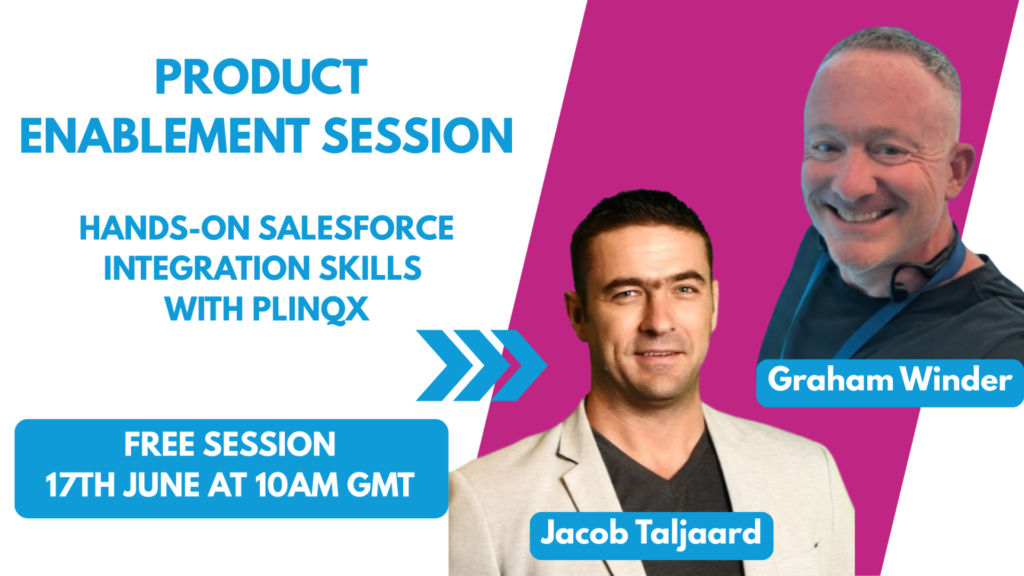
Join our Product Enablement Session – Become an Integration Specialist
This blog captures the highlights, but there’s a lot more depth in the full session — including a live demo of Plinqx in action, showing exactly how an admin can set up an API integration using Flow.
🛠️ Register for the Free Plinqx Product Enablement Session The Plinqx team are running a free, hands-on enablement session where you can get practical experience with integration tools inside Salesforce.
This is your chance to move from “I’ve heard about it” to “I’ve done it.” Spaces are limited — secure your spot now.
Why become an Integration Specialist?
If you’ve been following the Salesforce ecosystem this year, you’ll have heard the question that set the tone for everything that followed. At a preview to TDX 2026, Salesforce Co-Founder Parker Harris asked out loud: “Why should you ever log into Salesforce again?”
Not a rhetorical flourish. A genuine statement of direction.
With the launch of Salesforce Headless 360, every capability on the platform — every workflow, every business rule, every data object — is now exposed as an API, an MCP tool, or a CLI command. The platform is no longer built solely for humans clicking through screens. It’s built for agents, external systems, and connected experiences too.
That’s a seismic shift. And at the heart of it sits a skill that many admins have been told is “too technical” or “not their responsibility”: integration.
Meet our Integration Experts
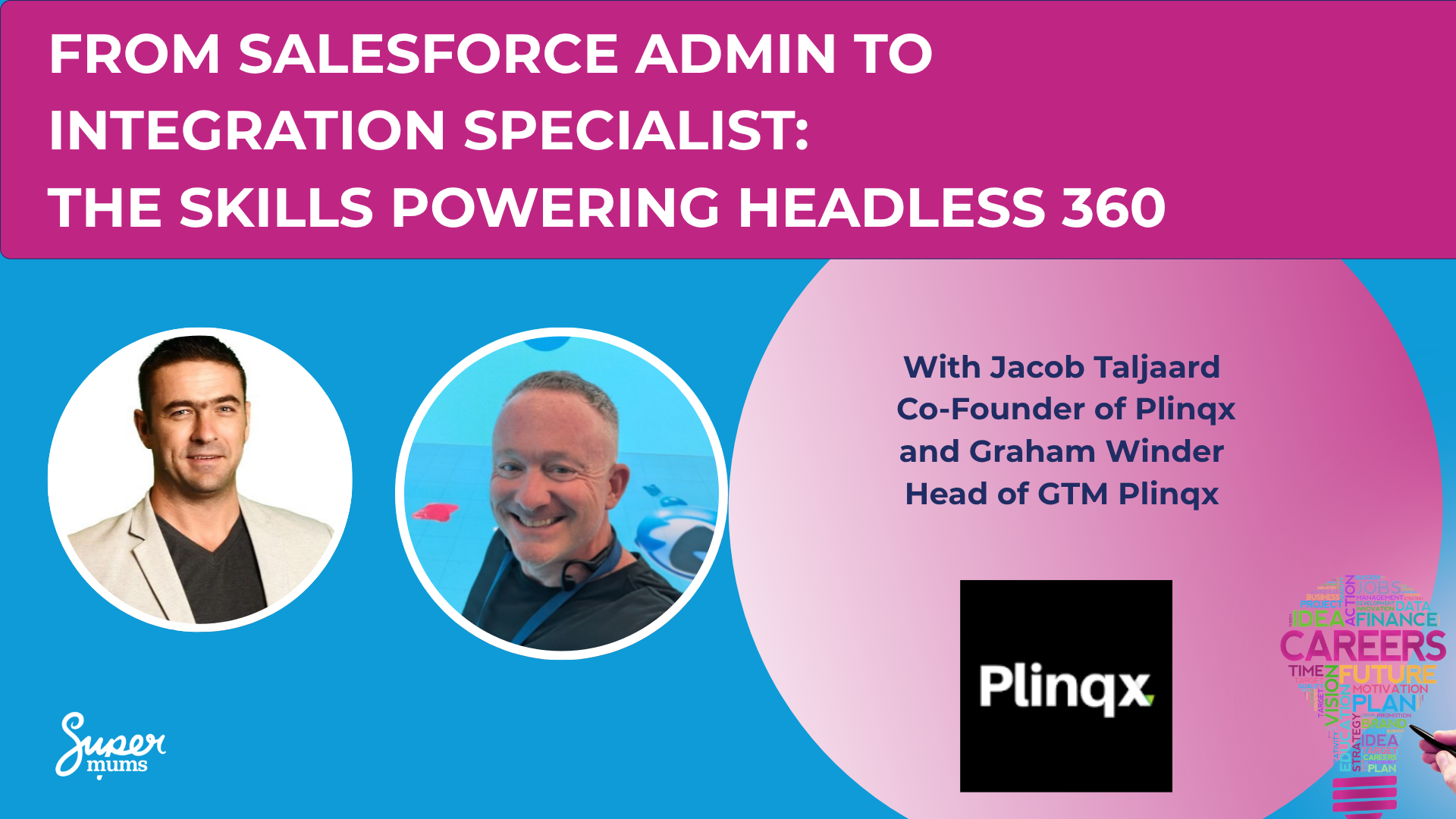
As part of our Headless 360 Career Summit series, we hosted Jacob Taljaard (Co-Founder & CEO of Plinqx) and Graham Winder (Head of GTM at Plinqx) to break down exactly why integration skills are fast becoming the most valuable thing a Salesforce professional can have — and how you can start building them without becoming a developer.
Here’s what they shared.
Why Integration Is No Longer a Back-End Concern
The average mid-sized business runs between 50 and 100 different applications. Salesforce might be the system of record for customer data, but the data that drives decisions — financial records, inventory levels, HR information, ERP transactions — lives everywhere else.
This has always been true. What’s changed is the urgency.
AI makes connected data non-negotiable. Agentforce can have a brilliant conversation with a customer, but if it can’t check the real account balance, create a record in the ERP, or pull a live inventory count, it’s just a very polished chatbot.
As Jacob put it during the session: “Integration is what turns AI from a novelty into a business tool.”
And with Headless 360, Salesforce is positioning itself not just as a CRM, but as the orchestration layer that ties together AI, ERP, finance, commerce, and data platforms. For that to work, everything needs to talk to Salesforce, and Salesforce needs to talk back.
The Problem with Traditional Integration (and Why Admins Got Left Out)
Integration has historically been painful — and that pain is exactly why most admins have steered clear of it.
Here’s what the traditional landscape looked like:
- Complex middleware: External platforms like MuleSoft or Boomi sit outside Salesforce, require specialist skills, and come with separate infrastructure to manage.
- Expensive to build: Licences for enterprise middleware can cost tens of thousands per year before you’ve written a single line of code.
- Long delivery cycles: Custom Apex builds take weeks or months. By the time integrations go live, business requirements have often already changed.
- Difficult to maintain: Brittle point-to-point connections break silently, and when the original developer leaves, nobody can fix them.
This created a gap. Simple tools like Zapier worked for basic automations but fell apart the moment you needed enterprise-grade reliability. And the heavy-duty platforms required developers with specialist skills that most Salesforce teams didn’t have.
Admins were told integration wasn’t their problem. But the business needed it solved, and there weren’t enough developers to go around.
That gap is exactly where the opportunity sits today.
Flow Is Your Gateway Skill as an Integration Specialist
Here’s the insight that reframes everything: if you know Flow, you’re closer to integration work than you think.
Salesforce Flow is already the tool most admins use to automate processes. What tools like Plinqx do is extend Flow’s reach beyond Salesforce — giving it the ability to call any external REST API using drag-and-drop actions. No Apex. No middleware. No code required.
What used to take a developer weeks to build in custom code can now be configured in hours using Flow and Plinqx. And because it all lives inside Salesforce, any admin can maintain it, update it, or hand it over to the next person on the team.
The Career Roadmap: From Admin to Solution Architect
Jacob and Graham mapped out a clear progression path during the session, and it’s worth sitting with:
| Stage | Core Skills |
|---|---|
| Salesforce Admin | Objects & Fields, Reports & Dashboards, Basic Flow, User Management |
| Automation Specialist | Advanced Flow, Process Automation, App Builder |
| Integration Consultant | APIs & REST Services, Integration Tools (Plinqx), Connectors, Orchestration Flows |
| Solution Architect | Full Architecture, AI Orchestration, Enterprise Design |
The critical takeaway: the middle stages are where integration skills become the differentiator.
An Automation Specialist who adds API and integration knowledge becomes an Integration Consultant. An Integration Consultant who understands AI orchestration becomes a Solution Architect. These roles command significantly higher day rates and salaries.
And the first step? It’s Flow. You’re probably already there.
Quick Insight: Admins who develop integration skills are becoming the most in-demand Salesforce professionals. The market is actively looking for people who can bridge the gap between Salesforce and connected systems — without needing a developer on every project.
The Skills Shift: What You Need to Add
If you’re an admin right now, your existing skills — objects, fields, reports, basic Flow — are still valuable. Nobody is taking that away. But the market is paying a premium for the next layer:
- APIs & REST Services — understanding how systems talk to each other (it’s simpler than it sounds — at its core, an API call is just a question and an answer)
- Integration Automation — using tools like Plinqx to connect Salesforce with external systems through Flow
- Orchestration Flows — coordinating multi-step processes across multiple systems
- AI-Enabled Workflows — giving Agentforce and other AI tools access to real-world data and the ability to take real-world actions
The good news? You don’t need to become a developer to get here. The tooling has caught up. The path is accessible.
Four Things to Take Away to become an Integration Specialist
- AI needs integrations. Agentforce is only as useful as the data it can reach. Without connected systems, AI stays surface-level.
- Flow is your gateway skill. If you know Flow, you’re closer to integration work than you think. Build from where you are.
- Salesforce is becoming an orchestration platform. Not just a CRM. That changes what customers will ask you to do — and what skills they’ll pay for.
- Integration skills create real career opportunities. The roles are there. The demand is there. The question is whether you start building these skills now or wait until everyone else already has.
This post is part of our weekly Headless 360 Career Summit highlights series. Each week, we’re breaking down a key session from the summit to help Salesforce professionals navigate what’s changing — and where the career opportunities are. Stay tuned for next week’s post
Recent Posts





Subscribe To Our Weekly Top Tip Bulletin
Get Updates And Learn From The Best