AI Tools for Meeting Notes – AI Hack 2

Wondering how to use AI Tools for Meeting Notes?
Now is the time to boost your productivity and harness AI Tools for Meeting Notes!
Over the next 12 weeks we will give you the short cut and quick facts to get started with AI.
Discover 10 applications of AI that you can apply to 10x your productivity in business analysis, project management and change management.
Avoid the overwhelm, get focused, and start your AI journey today..
AI Hack 2 – Stop manual note-taking with AI Tools for Meeting Notes
Manual note-taking is a thing of the past. With AI meeting notes, you can focus on the conversation and the questions you need to ask, while everything is recorded and summarised.
You can quickly turn meeting notes into follow-up actions, detailed requirements documents, and flowcharts using AI — often up to ~10x faster on specific tasks, with the right guardrails and human review.
Use AI meeting notes in:
- Scoping workshops
- Preparation workshops for BA design
- Business analysis workshops
- Client meetings
- Daily stand-ups
- User testing workshops
Where AI comes in
- Record and summarise in-person meetings.
- Record and summarise virtual meetings.
- Automatically generate tasks from a meeting and sync them to your project management tool.
- Store recordings and notes against participants in a CRM.
- Repurpose meeting notes into requirements documentation using an LLM, or into process flows using flowchart tools.
Find out more
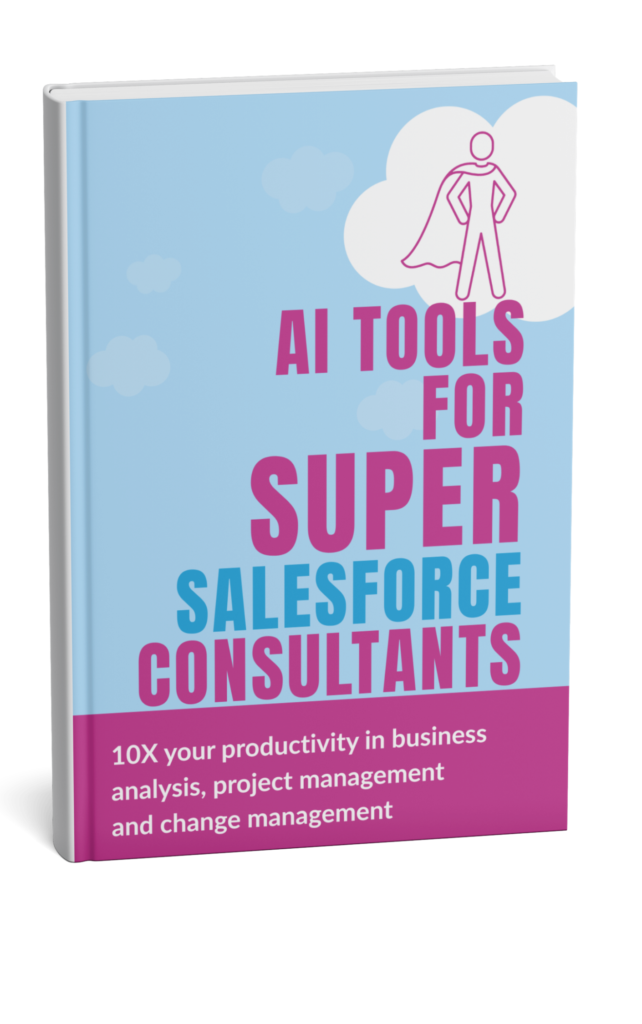
Download our free book ‘AI Tools for Salesforce Consultants’ that talks about the 10 applications of AI that can support you with business analysis, project management and change management.
Potential Time Saving when using AI Tools for Meeting Notes
Assumptions: 1–2 workshops/week, typical internal stakeholder load, and standard weekly delivery outputs (notes, actions, requirements, comms).
 Minutes per day Writing up notes and action lists | Minutes per day Turning notes into follow-ups and tasks |  Minutes per week Reusing notes for requirements and documentation drafts |
10x productivity example: Meeting notes summary + actions
Old State: 40 minutes manual summary → | New State: 4 minutes to review an AI summary |
Some of our favourite AI tools for Meeting Notes
| CLICKUP https://clickup.com All-in-one work management platform combining tasks, project management, docs, dashboards, and collaboration. Strong for turning meeting outputs into tracked actions and tasks with clear ownership and deadlines. Good option if you want meeting follow-ups to flow straight into delivery planning. | VINTON https://vinton.ai AI notetaker built specifically for Salesforce, designed to turn conversations into Salesforce data. Captures transcripts, summaries, and next steps, and links them to CRM records for reporting. Best suited when you want meeting outcomes to live inside Salesforce, not in a separate tool. | MEETGEEK https://meetgeek.ai AI meeting assistant for automatic recording, transcription, and structured summaries. Joins and records meetings, generating action items, key decisions, and searchable notes. Useful when you need detailed, well-organised meeting insights and easy sharing with teams. | FIREFLIES https://fireflies.ai AI meeting assistant for automatic recording, transcription, and AI-generated summaries. Joins meetings across Zoom, Google Meet, and Teams, with searchable transcripts and action items. Best for capturing conversations automatically and reviewing key points without manual note-taking. |




Choosing the right AI Tool for Meeting Notes
The tools listed are examples we’ve explored during our research and are not formal recommendations. Choosing the right AI tool requires careful evaluation based on your specific business needs and context.
The AI landscape is rapidly evolving, with new products emerging and existing ones constantly updating their capabilities. We strongly encourage you to conduct your own thorough research and assessment before selecting any tool for yourself or your clients.
Within our AI Tools for Salesforce Projects Course and the Supermums Consultancy Skills Course we do a deeper dive into how to choose the right AI product. We include:
As well as a practical approach to managing governance and security
- Practical demonstrations of products and how to apply it in practice
- Common mistakes and what to avoid
- Best prompts for getting the most out of the tools
- Guidance on choosing the best products
Take the next steps to learn more..
Within our AI Tools for Salesforce Projects Course and the Supermums Consultancy Skills Course we do a deeper dive into how to choose the right AI product. We include:
- Practical demonstrations of products and how to apply it in practice
- Common mistakes and what to avoid
- Best prompts for getting the most out of the tools
- Guidance on choosing the best products
- As well as a practical approach to managing governance and security
Our Consultancy Skills Course, includes practical hands on learning as well as training in business analysis, agile project management and change management.
Recent Posts




Subscribe To Our Weekly Top Tip Bulletin
Get Updates And Learn From The Best