AI Recipe: Speed Up Your Sales with Automated Contracts

AI RECIPE OF THE WEEK · SALES

How long does it take your team to get a contract out once a customer has said yes?
When I ask founders this question, there’s often a pause. The sale is agreed, everyone is excited, and then the contract sits in someone’s to-do list. One founder asked me recently, “How do I do this differently?” Her team was copying client details into a Word template, hunting through emails for the latest version, and chasing signatures for days. The deal was won, but the money wasn’t in yet.
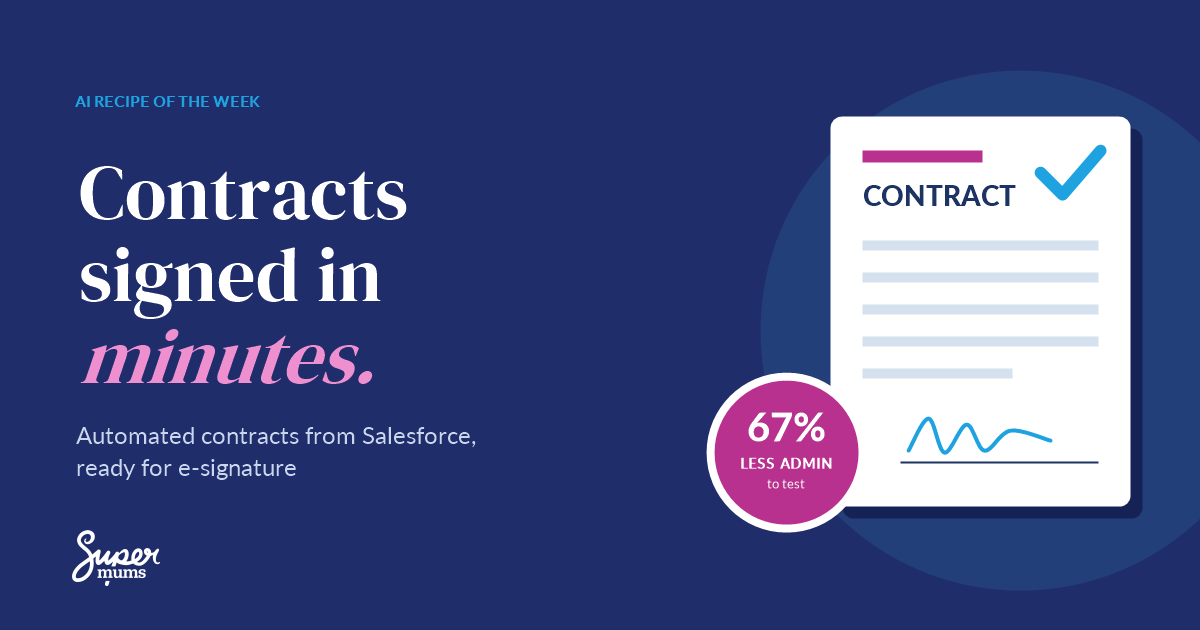
This week’s AI recipe takes that job from a slow, manual chore to a few clicks, with every contract generated from your Salesforce data and tracked until it’s signed.
What can go wrong!
- Old clauses slip through. Someone opens last year’s template and sends terms that no longer apply.
- Wrong names and prices. Every copy and paste is a chance to send one client’s details to another, or the wrong discount.
- Version chaos. “Contract_final_v3_REALLY_FINAL.docx” sits in five inboxes and nobody is sure which one was signed.
- Deals go cold. The contract lands three days after the call, and the buyer’s enthusiasm has cooled.
- Data on laptops. Signed contracts end up saved on desktops and personal drives, outside the systems that keep customer data safe.
How to get it right!
Let PDF Butler do the heavy lifting. It uses AI to merge your Salesforce data into an approved contract template, so every document is created automatically and accurately. A person checks it, then PDF Butler sends it for e-signature and tracks the status against the deal. The contract itself always comes from your approved clauses.

The recipe: automated contracts with e-signature
Ingredients
| Ingredient | What it does |
|---|---|
| Salesforce | Holds the account, the opportunity, the products and the agreed terms. One source of truth. |
| PDF Butler | Uses AI to merge your Salesforce data into an approved, branded contract template, creates the document inside Salesforce, then sends it for e-signature and updates the record when it’s signed. |
Method
- Agree your approved clauses. Work with your legal adviser to agree standard terms and the few options you allow. These become your template.
- Build one master template in PDF Butler. Your logo, terms, payment details and product table, set up once with merge fields instead of typed text.
- Keep the deal data in Salesforce. Customer name, address, products, prices and start dates all pull straight from the opportunity, so the numbers always match.
- Let PDF Butler create the contract. One click and AI merges the right details into your template against the record. A named person checks it before it goes anywhere.
- Send for e-signature from PDF Butler. The customer signs online, the signed copy is saved back to Salesforce, and you can see the status at a glance.
- Set a reminder. Automate a gentle follow-up if the contract hasn’t been signed within a few days.
Prep time: a few hours to set up once. Cook time for each contract: minutes.
Use my AI Powered Business Formula™ to make it stick
1 – Purpose. Be clear on why you’re doing this: faster cash, fewer errors and a better first impression for new customers. Pick one KPI, such as minutes per contract.
2 – Systems. Salesforce is your single source of truth. PDF Butler sits inside it, creating every contract and sending it for signature, so contracts never live on laptops.
3 – Adoption. Show your team the before and after. Name an owner (usually your sales manager) and make the new way the only way to send a contract.
4 – Management. Review the numbers monthly. Check accuracy, time saved and how quickly contracts are signed, then decide whether to roll it out further.
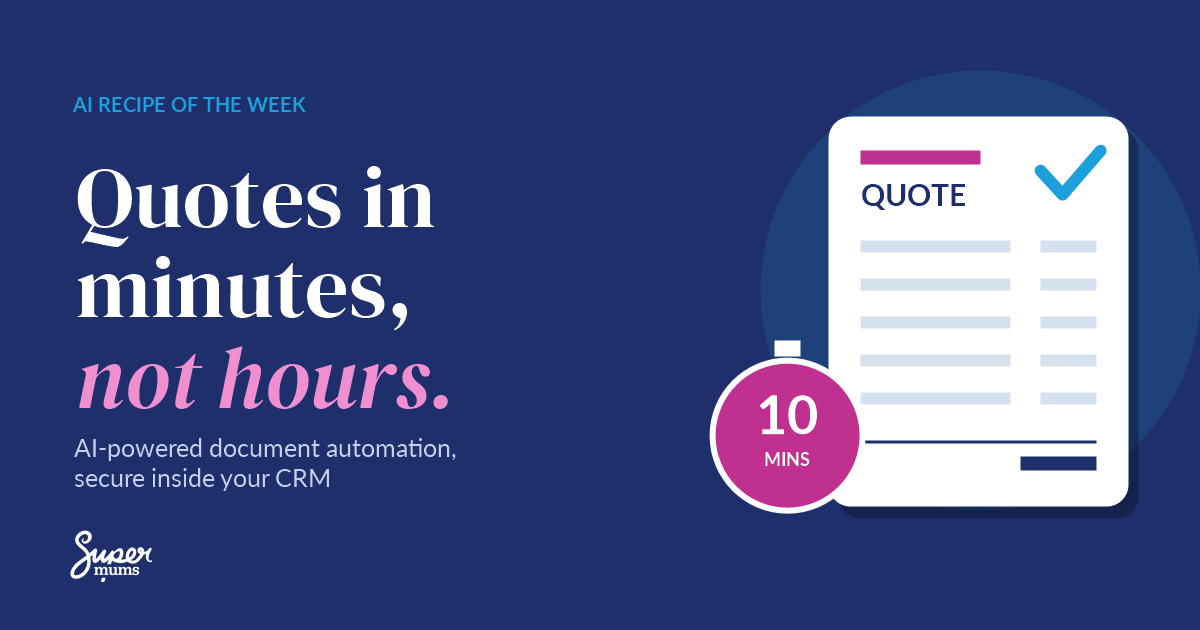
Real-world results: how Techpilot sped up its sales with PDF Butler
Techpilot is Europe’s largest B2B platform for the manufacturing industry, with over 40,000 registered users and a sales team working in German, English and Italian.
- Before: quotes were built by hand in Excel. “Very manually,” as Benjamin John, Head of Business Process and Change Management, put it. Data inside and outside Salesforce never matched, and juggling three languages in one spreadsheet frustrated the sales team.
- After: with PDF Butler, a quote that took a sales manager 10 minutes now takes about 2.
- At scale: the team generates over 100 quotes a month and collects online signatures without leaving Salesforce.
- The gain: a shorter sales cycle, better-quality quotes, and plans to extend PDF Butler to accounting and invoicing.
Techpilot’s numbers are for quotes, but contracts follow exactly the same pattern: approved template, Salesforce data, e-signature. Read the full Techpilot story.
Work out your ROI
The gain to test: up to 67% less contract admin time. In a pilot scenario, a contract that takes 15 minutes to prepare and send could take 5.
| Contracts a week | 15 |
| Minutes before | 15 |
| Minutes after | 5 |
| Time back each week | 15 × 10 minutes = 2.5 hours |
| Time back each year | about 120 hours |
Swap in your own numbers. Record a 30-day baseline first, then pilot for 4 to 8 weeks, including the time it takes to check and correct each contract. This is an illustrative calculation to test, not a promised result.
Keep it secure
Contracts carry personal data, prices and legal terms. Create, store and share them from inside Salesforce, with the right people seeing the right records. AI should only work from approved inputs, and nothing is sent without a person checking it first. Human legal review stays in place.
Want to go deeper? The free Secure & Compliant Document Workflows course covers how to produce and share documents safely from within Salesforce.
Build it with us: free Document Automation Hackathon

Want to try this recipe hands on? Join me and the PDF Butler team at our free Document Automation Hackathon on Monday 9 November, 1.30pm to 5pm, in person at Accenture, 30 Fenchurch Street, London, or online.
Reflective Exercise
Grab a notebook and write down some thoughts on the questions below.
- How many contracts does your team send each month, and how long does each one take?
- Where do your contract details come from today, and how many places do you copy them from?
- What would you do with an extra 2.5 hours a week?
- How equipped and confident are you with automating documents in Salesforce?
At the end of this recipe, I hope you have a clear picture of how automated contracts could speed up your sales, and the confidence to test it for yourself.
Two ways to take the next step
1. Let us help you. Book a free AI Power Hour and we’ll map where contract automation would save your team the most time.
2. Do it yourself. Join the free Document Automation Hackathon on 9 November, or build your skills with our free Power Up your Business with AI Bootcamp on 3 November and the Supermums Business AI Academy.
Get a new AI recipe every Monday: sign up to the Power Up with AI Bulletin and save 5% on our training courses.
Recent Posts





Subscribe To Our Weekly Top Tip Bulletin
Get Updates And Learn From The Best